
10 Ways to Use AI in L&D: An Interview with Guy W. Wallace
Most advice on AI in L&D is about making content faster. Turn a PDF into a course, write quiz questions in seconds, and convert slides into a video.
That’s useful, and it solves the easy part of the job.
The hard part comes after the course, when people go back to work and still can’t do what they were trained to do.
To see where AI can help with that, I spoke with Guy W. Wallace on The Learning Edge, our interview series at Nano LMS. Guy has designed training since 1979, he has worked with more than 80 clients, including HP, General Motors, and Ford. He also holds the Honorary Life Member Award from the International Society for Performance Improvement (ISPI).
When asked about his take on the rush for speed, he said: “We’ve sacrificed effectiveness for efficiency, and I think that that’s the trap that many have fallen into.”
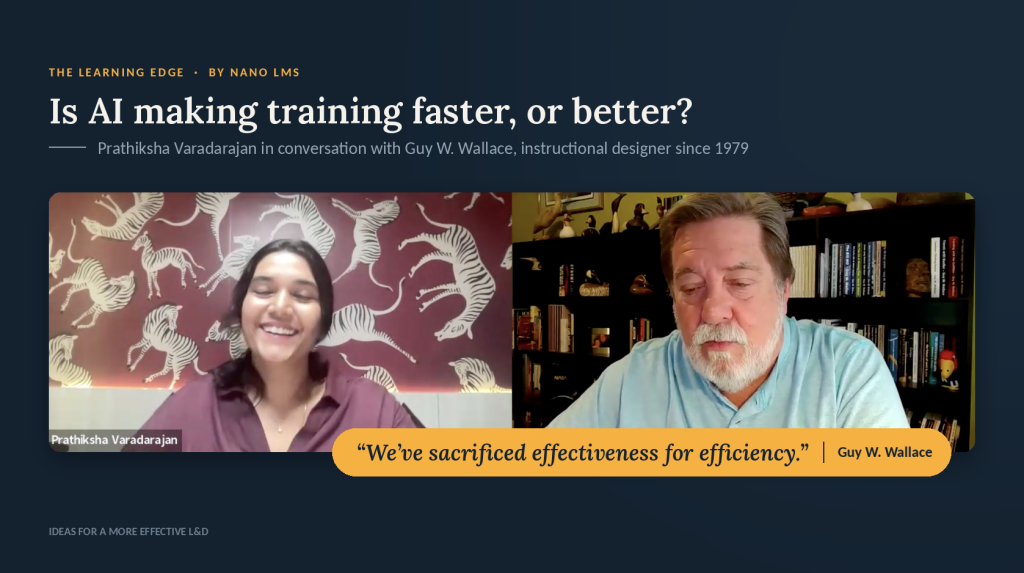
Watch the video here:
Below are 10 ways to use AI in L&D, based on that conversation. Some came straight from Guy. Others apply AI to methods he has used for decades.
1. Use AI for performance analysis before you design anything
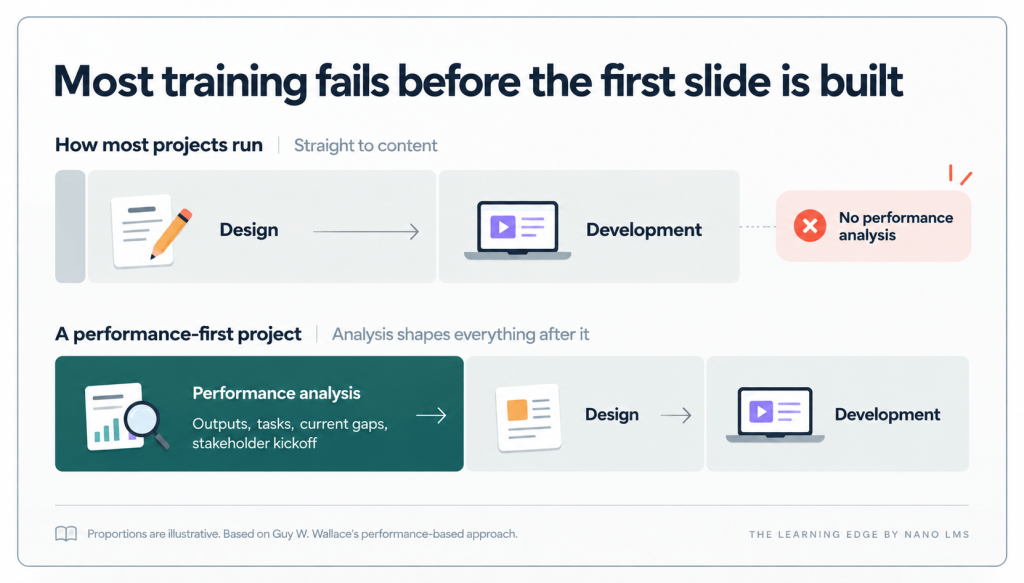
Before you build a course, find out what the job actually requires:
- What does the person produce?
- How do you tell good work from bad?
- Where are people falling short today?
Guy calls this performance analysis, and he sees it as AI’s biggest opportunity in L&D.
Most teams skip this step. Designers get a list of topics or skills with no picture of how they’re used at work. The result, Guy says, is that “we often provide education and not training.”
Try this: Give AI your process documents, SOPs, and interview notes. Ask it for a first draft of what the job produces, what good looks like, and where people struggle. Then have senior stakeholders correct it. Guy holds a kickoff meeting on every project so they can point him to the right people, places, and documents to study.
2. Map the thinking behind expert performance
You can watch what someone does at work.
What you can’t see is what they’re thinking while they do it.
Guy calls these hidden steps cognitive tasks: the checks, judgments, and decisions behind the visible actions.
He says people are already using AI to uncover them, so learners can see how to think about their work “before, during, and after they perform.”
Try this: Ask AI to help you list the decision points in a task. What does an expert check first? What makes them change course? What warning signs do they watch for? These judgment calls often separate strong performers from average ones.
3. Turn expert recordings into a map of tacit knowledge
I asked Guy for one fix any team could use today. His answer: record experts doing the work, play the recording back to them, and ask what they were thinking at each step.
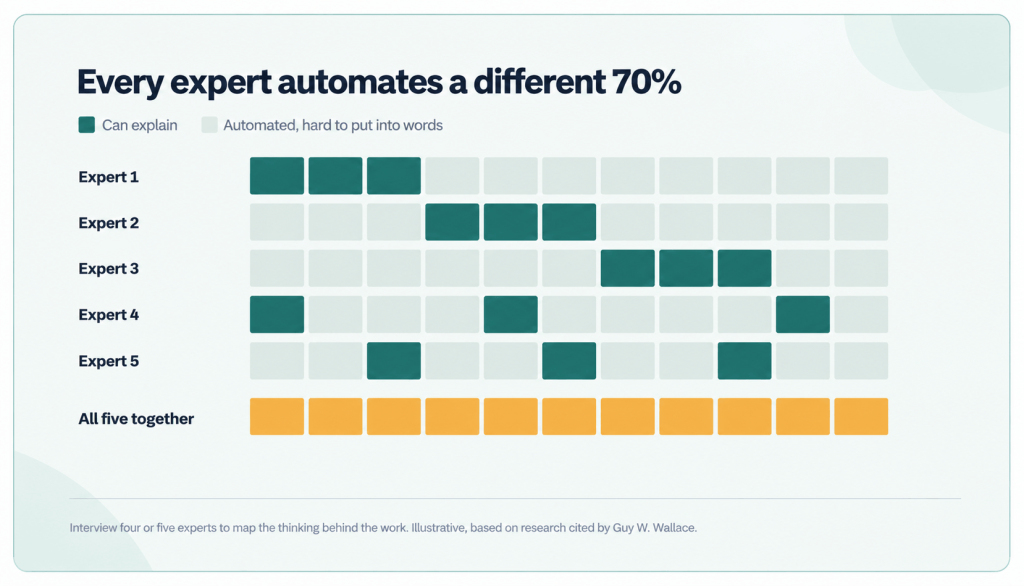
Why this works: research Guy cites shows experts do about 70% of their work on autopilot, like an experienced driver. That makes it hard for them to explain. Each expert’s autopilot also covers a different 70%. So Guy recommends doing this with four or five experts and combining what you learn.
Try this: Transcribe each session. Then ask AI to compare the transcripts side by side and flag where experts agree, where they differ, and which steps only one person mentioned.
4. Point AI at high-stakes work first
I asked Guy which industries struggle most with training. He said industry matters less than what’s at stake. If a mistake costs very little, he questions whether training is needed at all.
Try this: Before you use AI to build anything, rank your training requests by what a mistake would cost the business. Start with work that is high stakes, high risk, or high reward. A fast course on low-stakes work still delivers little value.
5. Start with a short exercise to see what learners can do
Some learners are sure they already know the material. Guy’s fix: skip the welcome and the introduction, and start with a realistic exercise. People quickly find out whether they can really do the work.
He’s careful about how this feels. Finding a gap in front of others can be stressful, so he keeps the exercise light and judges only the result. In a loan review, for example, the question is simply whether the application was correctly accepted or rejected.
Try this: Use AI to create a short scenarios with scenario-based learning at the start of your course. Score each learner’s result privately so everyone sees their own gaps without an audience.
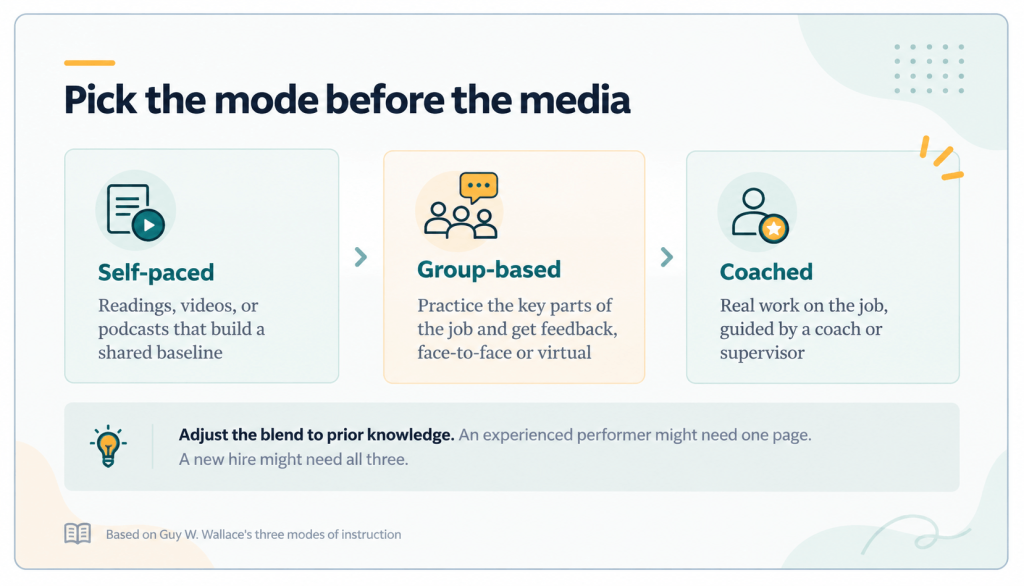
6. Adjust the path to each learner’s prior knowledge
The same audience often includes complete beginners and people who already know the job well. Guy designs for both. For some, a one-page read is enough. Others need much more.
Try this: Use the opening exercise from step 5 to sort learners. Send experienced people straight to practice, and give beginners the basics first. AI can handle this routing, so you don’t have to build two separate courses.
7. Build roleplays and scenarios that mirror the real job
I asked Guy if AI roleplay builds real skill or is just a marketing gimmick. He thinks it can be “very, very powerful,” as long as the practice feels like the real job. The closer practice is to the job, the more likely people are to use it at work.
A forklift driver learns little from drawings and videos of forklifts. A loan reviewer needs to review real loan applications.
Try this: When you ask AI to build a scenario, give it real cases, real documents, and the situations people actually face. Ask it to change the details on every attempt. As Guy put it, varying the practice keeps it from becoming “rote.”
8. Let AI observe practice so every learner gets feedback
One instructor can’t watch 20 people practice at once, so many mistakes go unnoticed. Guy sees AI filling that gap.
Picture ten one-on-one roleplays running at the same time. AI can watch each one and give every learner specific feedback. In Guy’s words, AI “can actually help facilitate” practice, as well as help create it.
9. Repeat feedback right before the next attempt
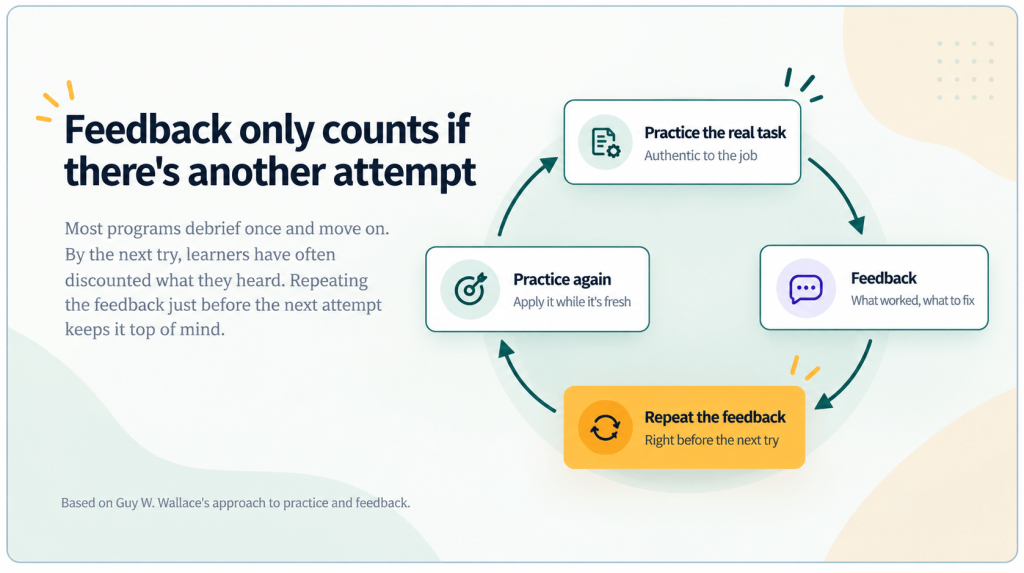
When you give feedback matters as much as what you say. Guy gives feedback after an exercise, then repeats it just before the learner’s next try. In between, people often forget it or brush it off.
He follows two more rules. Point out what went well, because it builds confidence. And always give another chance to practice after corrective feedback. Without one, the feedback is wasted.
Try this: Save each learner’s feedback and show it again at the start of their next attempt. This is easy to set up in an AI-supported course.
10. Track whether learning transfers back to the job
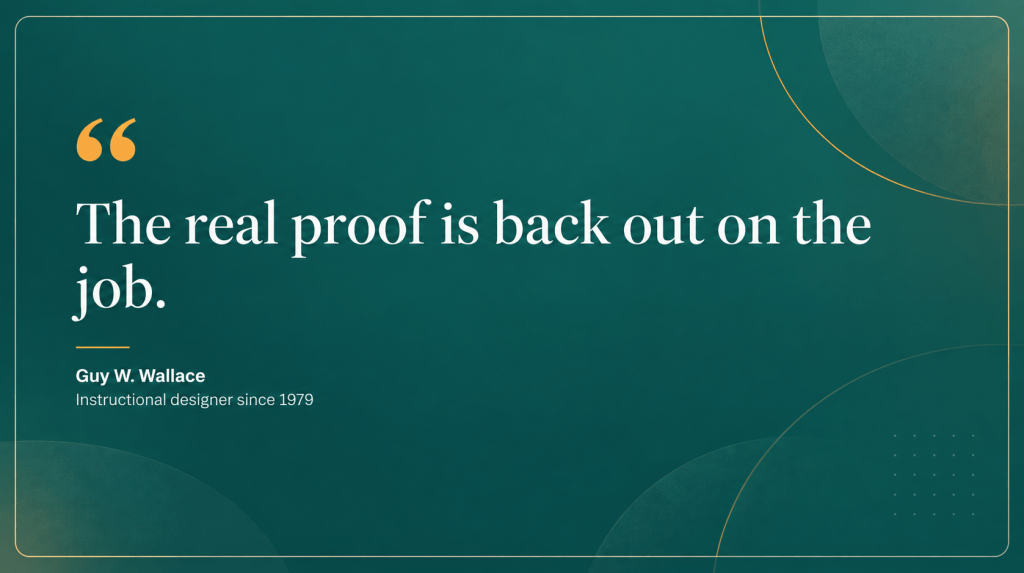
Passing an exercise proves someone can do it in the exercise. The real test comes weeks later at work. There, a manager might teach a different method, or coworkers might pull them back into old habits. As Guy put it, “the real proof is back out on the job.”
As learning platforms connect with other business systems, Guy sees AI helping L&D check results. Are trained people working better, faster, and at lower cost? Where are they still struggling? Those answers show you what to fix in the course.
Managers matter here too. In the 1990s, Guy’s client Eli Lilly required materials for supervisors with every training program. Supervisors checked that people were using what they learned and kept coaching until they were.
Try this: Use AI to draft a short supervisor guide for each course: what good work looks like, what to watch for, and what feedback to give.
Sometimes the best answer is “this doesn’t need a course”
Sometimes good analysis shows the problem has nothing to do with knowledge or skill. The tools are poor, or the process is broken, and no training will fix that. Guy sees real value in telling the business so, because it saves money on training that wouldn’t have helped.
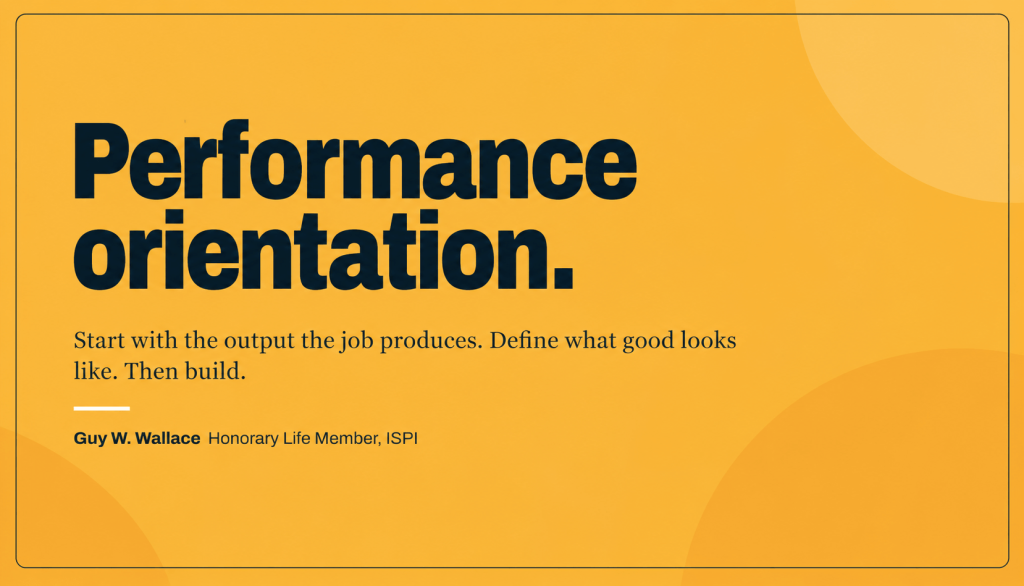
That idea connects all ten tips. Guy calls it a performance orientation. People are paid to produce work that someone else depends on. So start with that work, define what good looks like, map the steps and decisions behind it, and only then build the training.
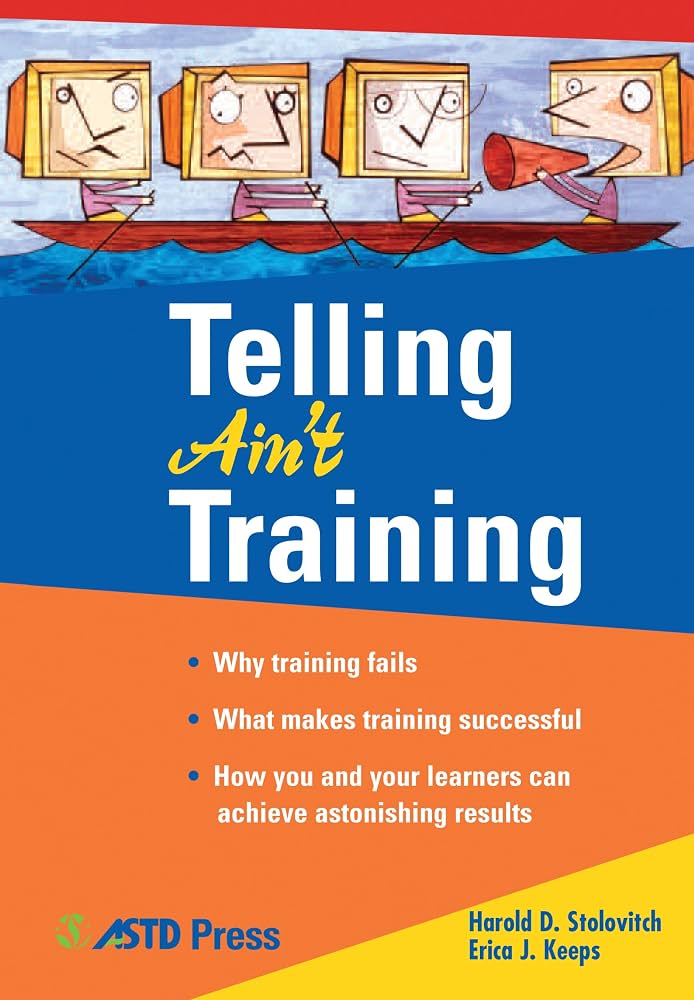
His friends Harold Stolovitch and Erica Keeps named the old habit in their book Telling Ain’t Training. AI can tell faster than ever. Used well, it can also make practice, feedback, and measurement easier to deliver at scale.
At Nano LMS, we built scenario-based learning and AI roleplay into the platform so learners can practice inside the course: try the work, get feedback, and try again. Watch my full conversation with Guy W. Wallace on The Learning Edge.