
The 7 Best eLearning Authoring Tools & Software in 2026
If you've been researching authoring tools recently, you've probably noticed every single one claims to do everything. AI-powered. Mobile-ready. Branching scenarios. Avatars. Roleplays.
Then you start a trial and realize "supports avatars" sometimes means you can upload a PNG. And "AI-powered" sometimes means there's a button that asks ChatGPT to summarize your slide.
I got tired of the marketing fog so I spent the last few months actually building courses in seven of them. Same brief each time — a 12-module sales onboarding course, a couple of scenario-based interactions, a roleplay, mobile delivery. Real-world stuff.
Quick context before we dive in — yes, this is the Nano LMS blog. We're one of the tools on the list. I've done my best to be honest about where each tool wins and where it doesn't, including our own. If you want to skip ahead and judge for yourself, Nano LMS is tool number 7. Read it last. Or first. Up to you.
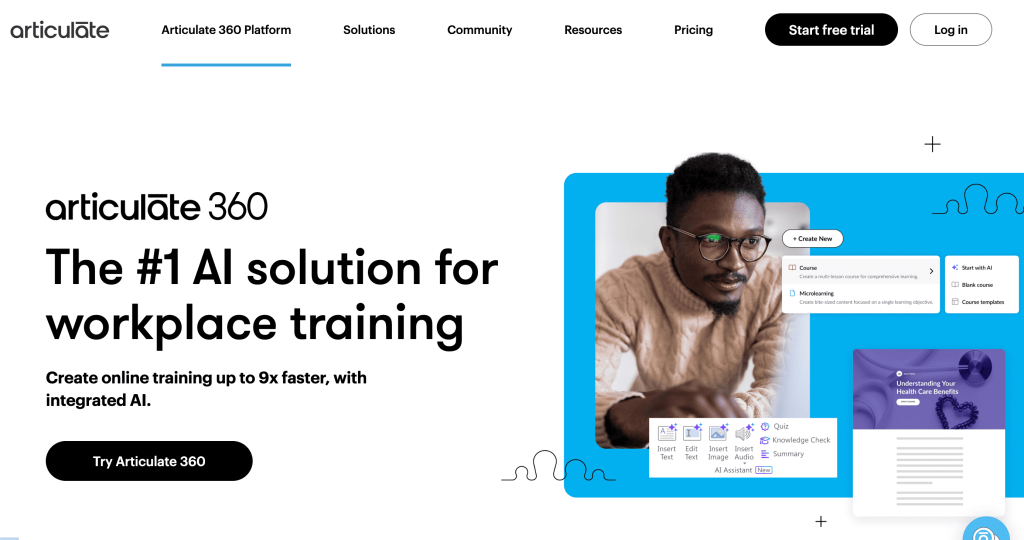
1. Articulate Storyline 360
Rating: 8/10
Storyline is the Photoshop of authoring tools. Deep, powerful, infinitely customizable. Also the steepest learning curve of anything here. You'll spend a week with tutorials before you stop fighting it.
Builds well:
- Slide-based learning. Its core strength
- Branching scenarios with real logic
- Custom interactions if you know triggers and variables
- SCORM and xAPI output
Struggles with:
- Mobile. Things break on phones in subtle ways
- AI roleplay — not really a thing here
- Avatars are static unless you bring in something like Animaker
- Games are technically possible but you'll burn a weekend
AI / time / cost:
- AI Assistant added in 2024 helps with content suggestions and quizzes. Feels bolted on, not woven in
- My 12-module course: about 38 hours
- $1,499 per author per year
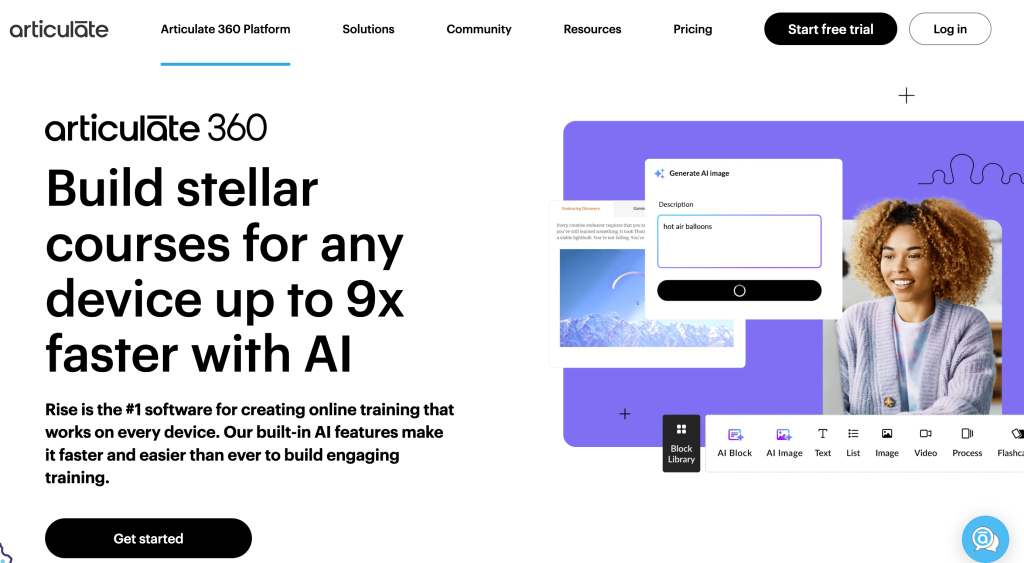
2. Articulate Rise 360
Rating: 7.5/10
Rise is the modern Articulate. Beautiful default output, mobile-first, much easier to use than Storyline. The trade-off is you can only build what they let you build.
Builds well:
- Mobile-first courses that look great out of the box
- Clean, modern UI
- Microlearning
Struggles with:
- Limited interaction types
- No real branching beyond linear paths
- No avatars
- No AI roleplay
- Games are basically not an option
AI / time / cost:
- AI features are limited to content suggestions
- Same course: about 22 hours. Faster because there's less to customize
- Included in the $1,499 Articulate 360 subscription
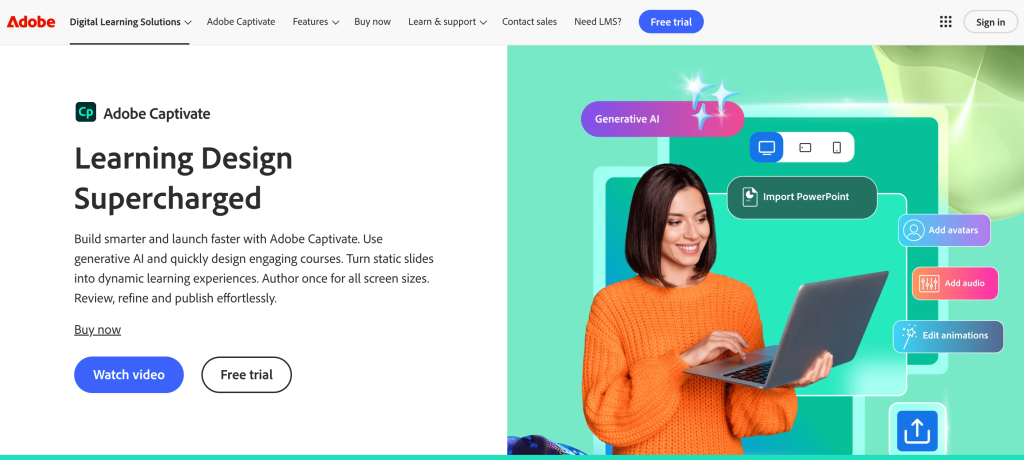
3. Adobe Captivate
Rating: 6.5/10
The veteran. Been around forever and you can tell. The 2024 redesign helped but it still feels like a tool from the 2010s. Most users stay because their muscle memory won't let them leave.
Builds well:
- Software simulations. Still its real strength
- Responsive courses
- SCORM and xAPI
Struggles with:
- Interface still feels dated
- Mobile output is technically responsive but feels desktop-first
- No AI roleplay, avatars, or games natively
- Hard to learn
AI / time / cost:
- AI features are basic content assistance
- Same course: about 35 hours
- $33.99/month per user
4. iSpring Suite
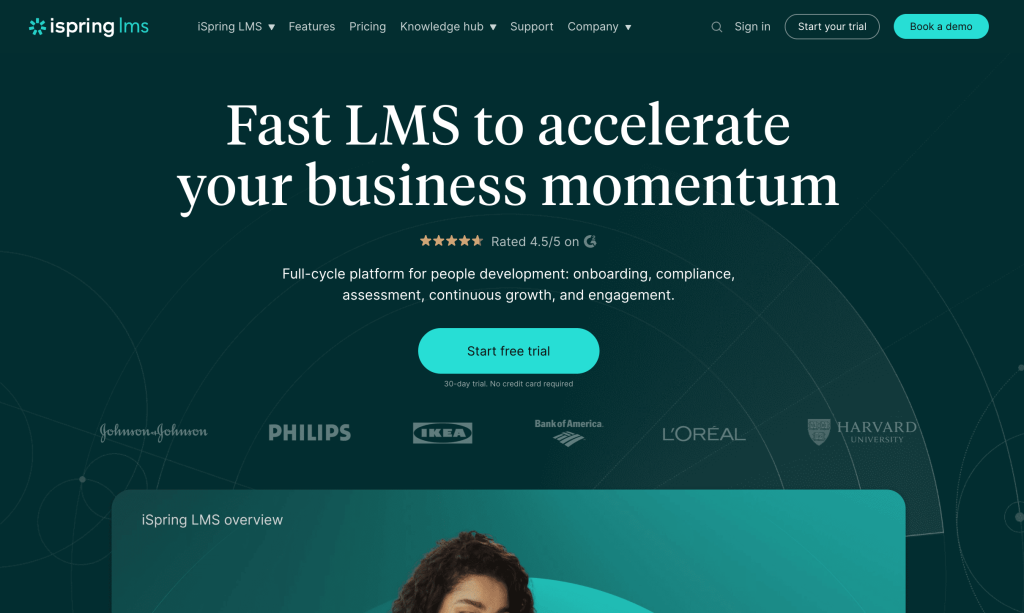
Rating: 7/10
iSpring lives inside PowerPoint as a ribbon. If your subject matter experts already work in PPT, this is the lowest-friction option on the market.
Builds well:
- Slide-based learning from existing PPT decks
- Quizzes. One of the best quiz builders in the category
- Video lectures with embedded talking head
- SCORM output
Struggles with:
- You're locked into PowerPoint's worldview
- No real branching scenarios
- No AI roleplay
- Static avatars only
- No games
AI / time / cost:
- AI features are mostly content rewriting
- Same course: about 28 hours
- $770 per author per year
5. Animaker
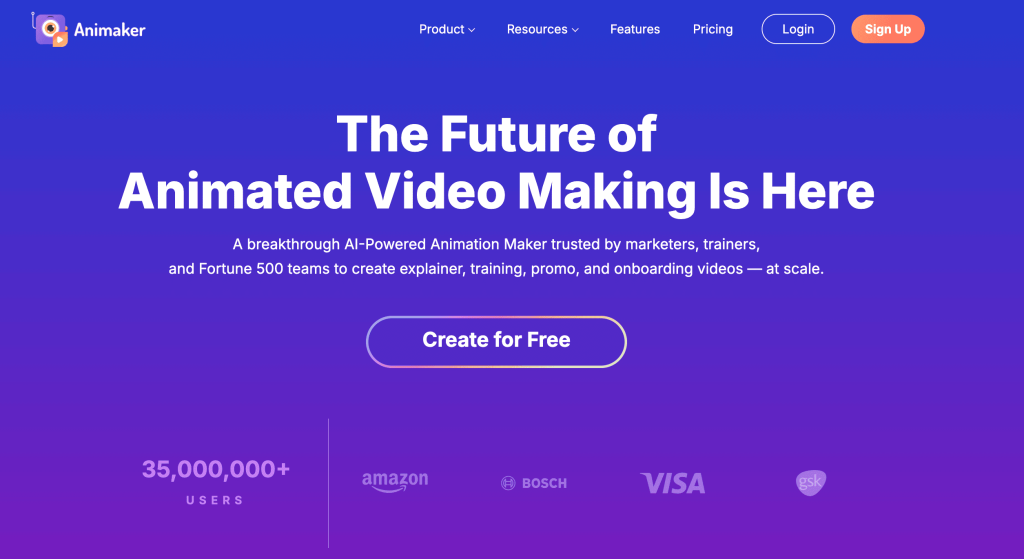
Rating: 8/10
Animaker is the animation and character-driven video tool I kept coming back to. Not an LMS, but for training videos that hold attention, it's hard to beat. The character library is massive and the animation actually moves convincingly.
Fair warning — Animaker is the parent company of Nano LMS, so consider me biased. But I'd be lying if I didn't include it because it's genuinely one of the best video tools for training I tested.
Builds well:
- Animated character-driven scenarios. This is where it shines
- Animated explainer videos for training intros
- Live-action-style training videos with AI avatars
- Sales roleplay scenarios (visually narrated)
- Multilingual content with voice cloning
- Mobile-ready video output
Struggles with:
- It's a video tool, not an LMS — you still need somewhere to deliver and track
- No quizzes, certificates, or completion tracking inside the platform
- Not designed for SCORM-style branching
- Best paired with an LMS rather than used solo for full courses
AI / time / cost:
- AI features are genuinely strong — script-to-video, AI avatars, automatic lip sync, voice cloning
- Course video content: about 12 hours, paired with an LMS for delivery
- Free tier available. Paid plans start around $15/month
6. Synthesia
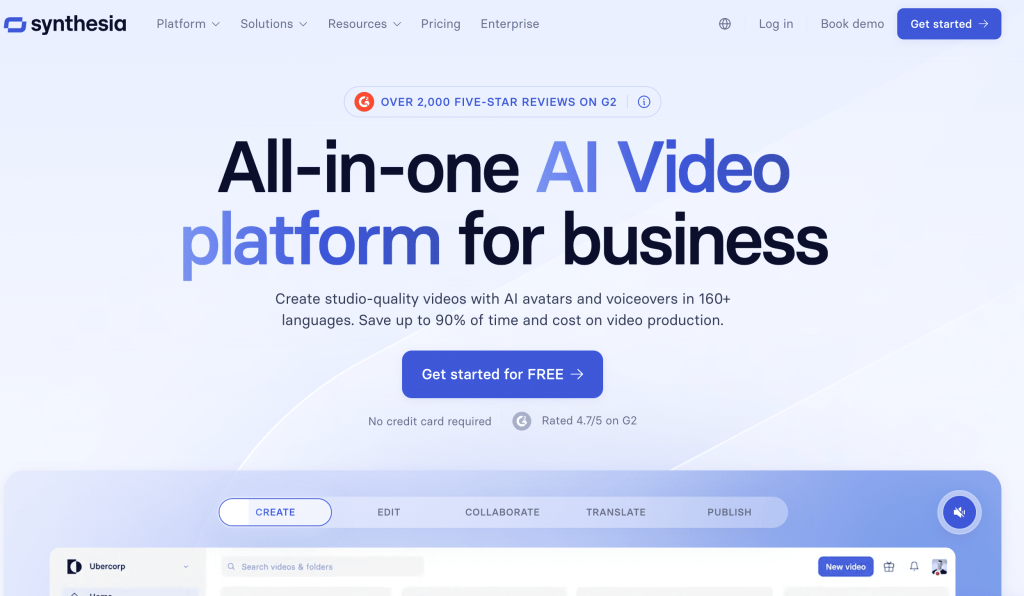
Rating: 7.5/10
Synthesia isn't really an authoring tool — it's an AI avatar video tool that people use that way. Talking-head videos at scale, in lots of languages. That's the whole pitch.
Builds well:
- AI avatar videos. Best in the market for that specific format
- Multilingual content. Translation is the superpower
- Talking-head explainers
Struggles with:
- Not an LMS or authoring tool — no quizzes, no assessments, no tracking
- No branching, no SCORM
- Only does talking-head avatars — no animated characters or scenario animation
- You'll need a separate LMS to host
AI / time / cost:
- AI avatars are very good for the talking-head format
- Same course: not directly comparable since you'd combine Synthesia plus an LMS. Maybe 25 hours total
- $22/month minimum, scales with avatar minutes
7. Nano LMS
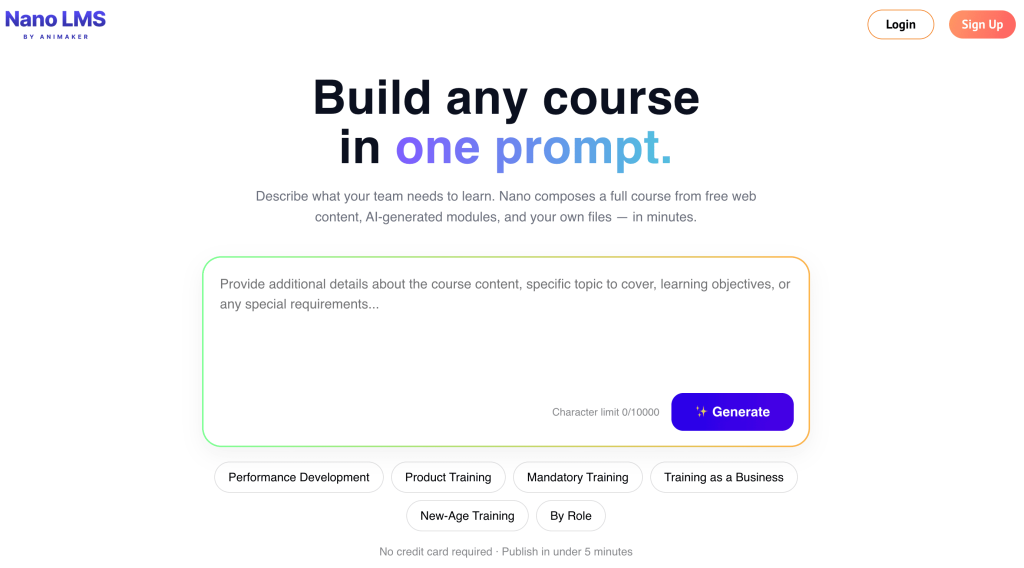
Rating: 9/10
Time for the awkward part — this is our tool. I'll keep it honest.
The fundamental difference is that Nano LMS isn't just an authoring tool — it's an authoring tool, an LMS, and a delivery platform with AI built into the workflow rather than stitched onto the side. That structure changes the time-to-ship math significantly.
Builds well:
- Slide-based learning. AI generates the structure from a topic in minutes
- AI roleplay. Actual conversational practice with an AI persona. New hires can practice difficult sales conversations before they ever face a real customer
- AI avatars. Built into the video generation, not a separate tool
- Blended learning. Mix self-paced modules with live cohorts
- Mobile-first delivery. Works on phones without breaking
- Games and interactive scenarios. Drag-and-drop, scenario branching, gamified paths
- Quizzes and assessments. AI-generated and editable
- Certifications. Auto-generated and branded
- SCORM compatibility on the Enterprise tier
Struggles with:
- Newer than the others, so the third-party integrations ecosystem is still maturing
- The AI is good but not magic — vague prompts produce vague courses
- Deep custom interactions (the kind a senior Storyline developer builds with triggers and variables) aren't the sharpest part of the product. Most teams don't actually need that level of control, but if you do, you'd notice
AI / time / cost:
- The AI is trained for instructional design specifically — it understands course structure, learning objectives, and assessment design. Not a generic GPT wrapper
- Same course: about 6 hours
- Free plan covers 1 trainer, 10 learners, 100 AI credits. Starter is $80/month for 2 trainers and 50 learners. Add more at $1 per learner and $15 per trainer per month
To put that in perspective — the course that took 38 hours in Storyline took 6 hours here. The output isn't identical. Storyline still wins for ultra-custom interactions. But for the 90% of training needs that don't require it, the time difference is genuinely hard to justify.
If you want to try it yourself — animaker.com/nano. Free plan, no credit card.
So which one should you actually pick?
Honestly it depends on what you're building.
If you're a professional instructional designer building highly custom branching scenarios — go with Storyline 360. It'll handle anything you throw at it.
If your SMEs already live in PowerPoint — iSpring Suite is the path of least resistance.
If you need animated character scenarios and explainer videos for storytelling-style training — Animaker, paired with an LMS.
If you need AI avatar talking heads specifically — Synthesia, paired with whatever LMS you're on.
If you want clean mobile-first microlearning without much complexity — Rise 360.
If you want everything in one place — SBL, AI roleplay, avatars, mobile, blended, games, certificates, and an LMS to host it all — Nano LMS.
One last thought. The line between "authoring tool" and "LMS" is collapsing in 2026. The teams getting ahead aren't the ones with the most powerful tool. They're the ones who can ship training fast enough that it's still relevant when learners take it.
Six weeks to build a beautiful course that's outdated by the time it launches isn't a win.
Pick the tool that lets you ship.
About the Author

R.S Raghavan
Raghav is the Founder and CEO of Animaker, a global AI-enabled creative technology company trusted by over 35 million users worldwide. A passionate builder and product visionary, he has been at the forefront of simplifying video creation and empowering businesses, educators, and creators with accessible storytelling tools.
Under his leadership, Animaker has grown into a multi-product creative suite, including Animaker, Nano LMS, Vmaker AI, Steve AI, Picmaker, and Show, helping individuals and teams produce high-quality videos and marketing content faster through AI-driven workflows.
When he is not working, the thirst for adventure kicks in and you'll find him paragliding or scuba diving.